
Avast Antivirus
Avast Antivirus is a free antivirus program from Avast Software for Windows, also available for macOS, Android and other platforms.
0.9 GB

Adaware Antivirus is a Windows antivirus from Lavasoft, the company behind the long-running Ad-Aware anti-spyware tool, with a free edition.
Average 0.0 · ratings: 0
Thank you! Your rating is saved; you can change it. Could not save the rating. Please try again later. Too many ratings from your network today. Please try again tomorrow. The average appears after 5 ratings.
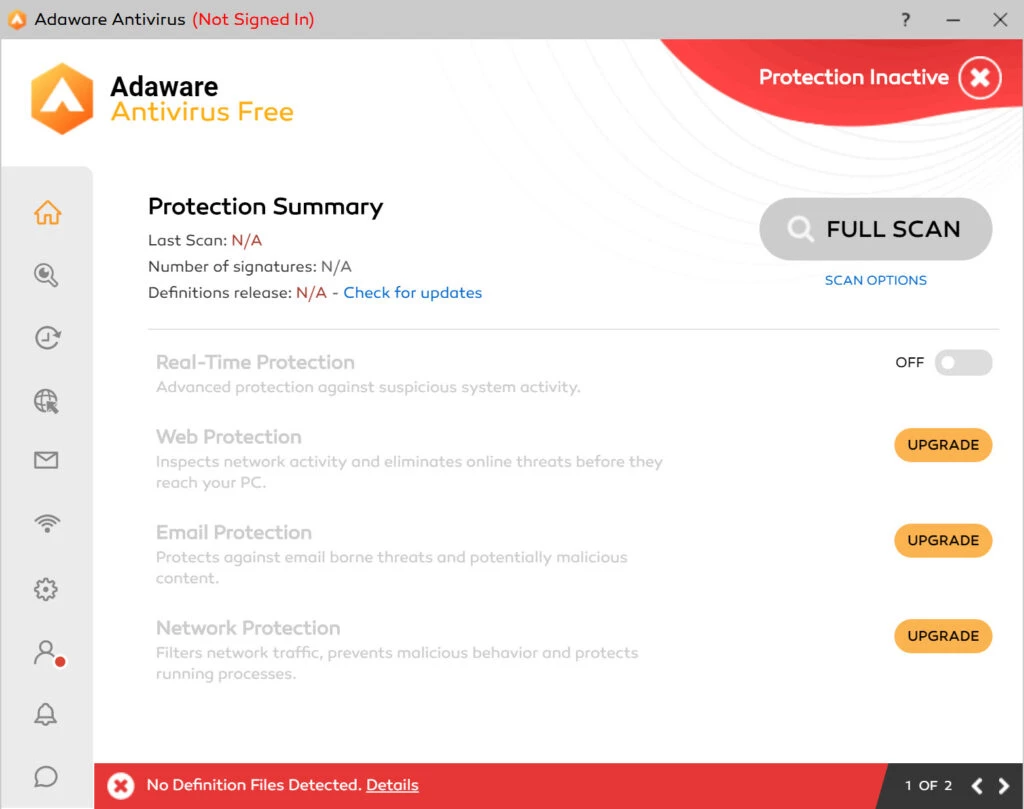
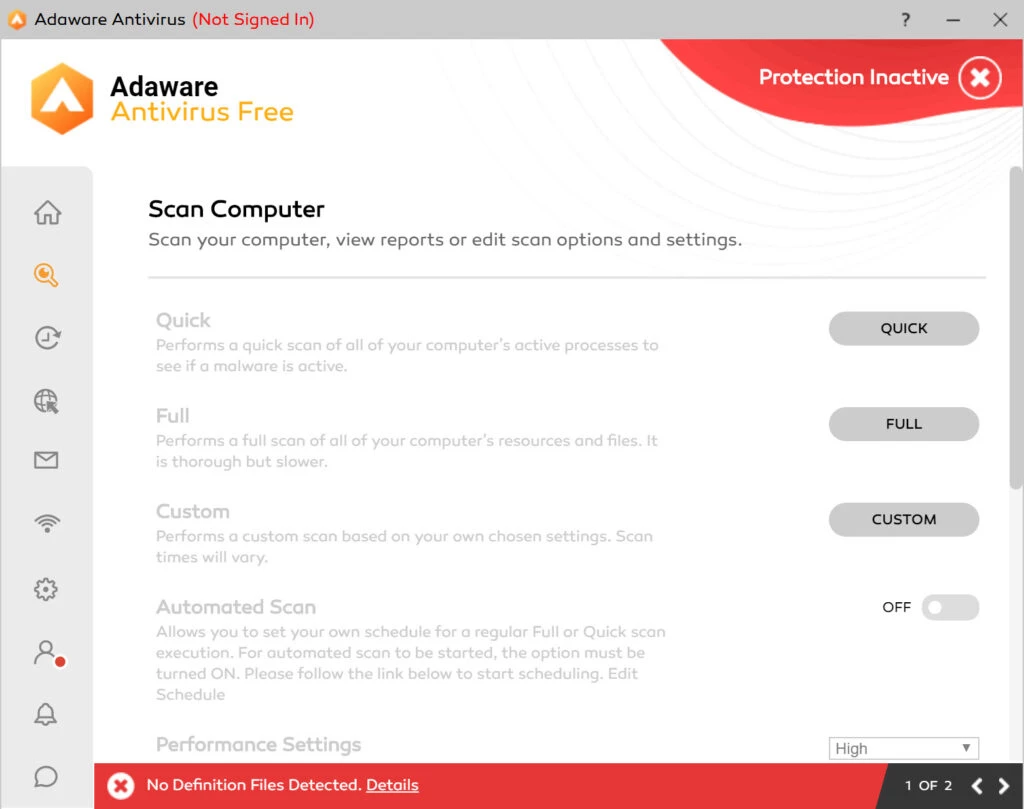
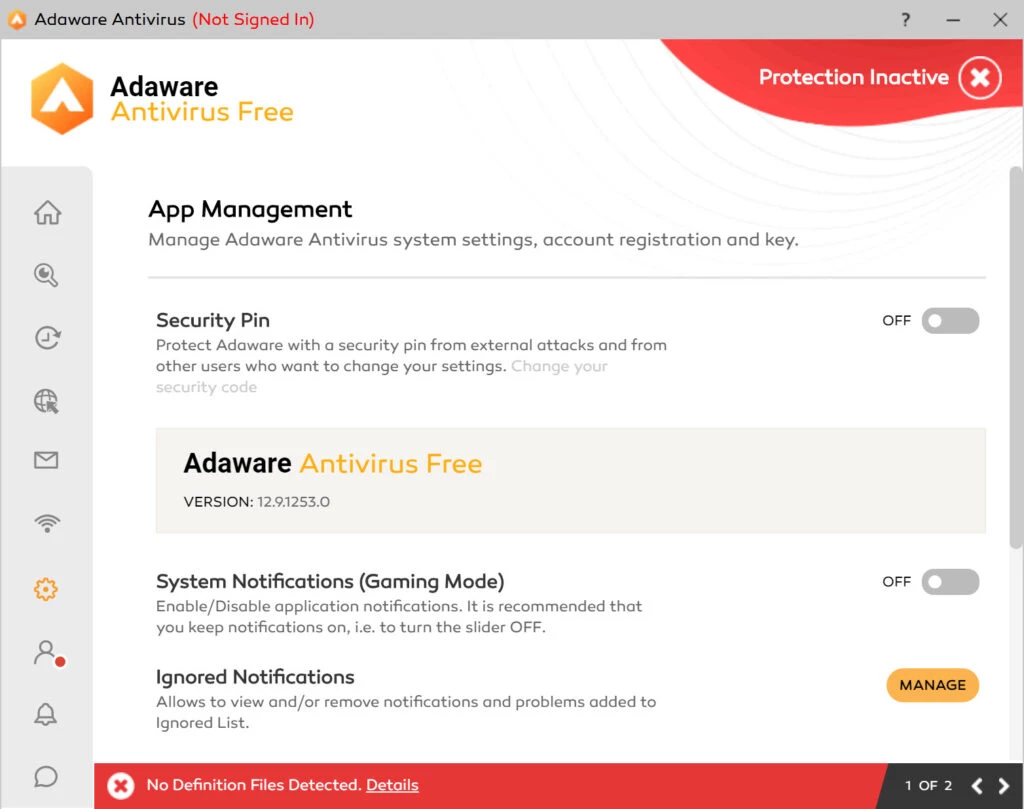
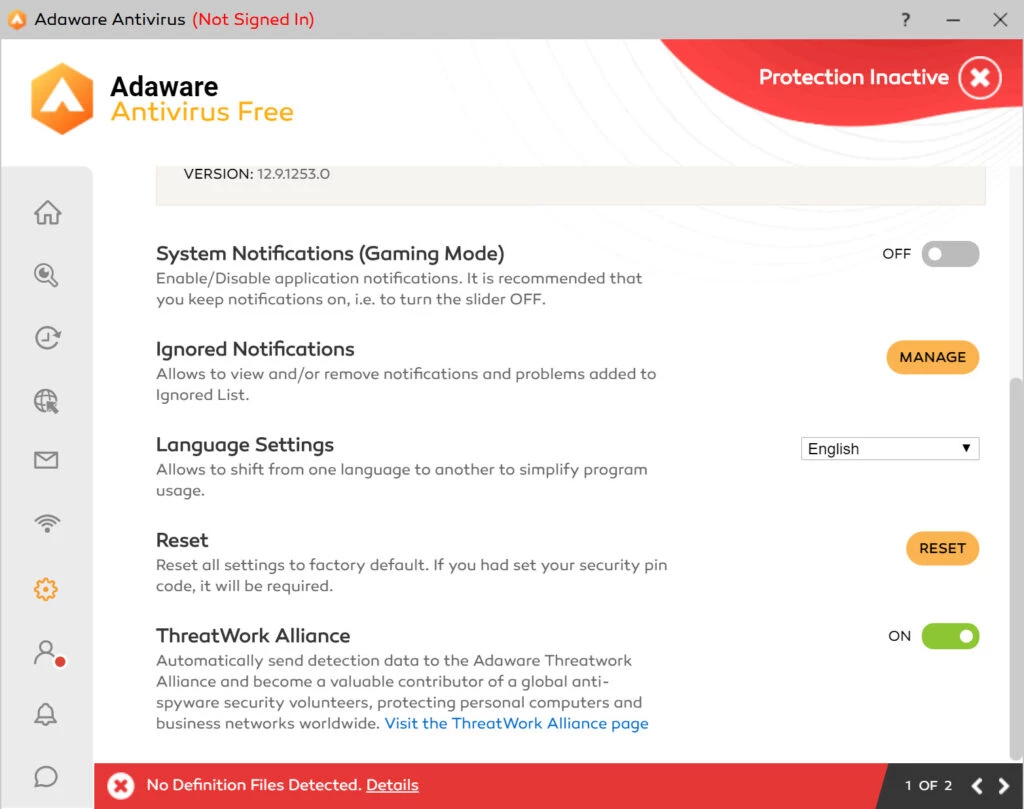
Adaware Antivirus 14.3.43577.3505 is a Windows security program from Lavasoft. It scans files and programs for viruses, spyware and other malware and runs in the background to catch threats as they appear. The basic edition is free, and you can download Adaware Antivirus for Windows from adaware.com.
| Item | Details |
|---|---|
| Version | 14.3.43577.3505 |
| Developer | Lavasoft |
| Platform | Windows |
| Licence | free edition; paid editions available |
| Size | about 17.56 MB according to catalogue data |
| Earlier releases | 11.1.5354 (January 27, 2014), 11.5.202.7299 (January 20, 2015), 11.8 (November 18, 2015) |
Lavasoft's name goes back to Ad-Aware, an early tool for removing spyware and adware from Windows PCs. The current product is a full antivirus: it checks files when they are opened or downloaded, scans the disk on demand or on a schedule, and quarantines anything suspicious so you can restore it if it turns out to be harmless. The free edition covers the core protection, while paid editions add extras such as web and email protection. For most home users, the practical question is not which antivirus has the longest feature list, but whether one reliable real-time scanner is installed, kept up to date and not in conflict with another. Windows already includes Microsoft Defender; installing Adaware usually switches Defender's real-time protection off, so the two do not compete. Do not run two real-time antivirus programs side by side.
The free edition costs nothing. Paid editions with more features are sold on the official site; check the renewal price and cancel automatic renewal if you do not want it. Company news is posted in Adaware's press releases.
Let the program quarantine the file rather than delete it straight away, then search the file name and the detection name to see what it is. If it is a program you trust, such as a tool from a known developer, you can restore it and add an exception. If it is something you do not recognise, keep it in quarantine and run a second scan with another tool to be sure the system is clean.
Other antivirus programs in our listings include Avast Antivirus, AVG Antivirus, Avira Free Security, Bitdefender Antivirus, Norton Antivirus and Panda Antivirus. Malwarebytes and AdwCleaner are good second-opinion scanners.
Avast Antivirus is a free antivirus program from Avast Software for Windows, also available for macOS, Android and other platforms.

Norton Antivirus is commercial antivirus and computer security software for Windows, available as a trial before purchase.

AdwCleaner is a free Windows tool from Malwarebytes for finding and removing adware, unwanted programs and browser hijackers.

AVG Antivirus is a free antivirus for Windows from AVG Technologies with real-time scanning, web protection and optional paid features.

Avast Clear, also called the Avast Uninstall Utility, is a free Windows tool from Avast that fully removes Avast antivirus products when the standard uninstaller fails.

Malwarebytes for Windows is anti-malware software that scans for and removes malware, ransomware, adware and unwanted programs.

Panda Antivirus is a security program for Windows from Panda Security, protecting against viruses and other malware.

UsbFix is a Windows tool from SOSVirus that detects and removes malware spread through USB flash drives and helps recover files the malware has hidden.